What can you do with Dynadot MCP?
Once connected, these AI tools can:
 Check a domain name availability
 Register domains for you
 View your domains and account info
 Review nameservers and DNS records
 Explore our aftermarket
All those actions could be done in simple language, instead of clicking through menus.
You stay in control: MCP requires you to sign in first, and sensitive actions still ask for your confirmation.
How to Enable Dynadot MCP
Before connecting Dynadot MCP to an AI platform, you will need to enable API access in your Dynadot account. It only takes a minute.
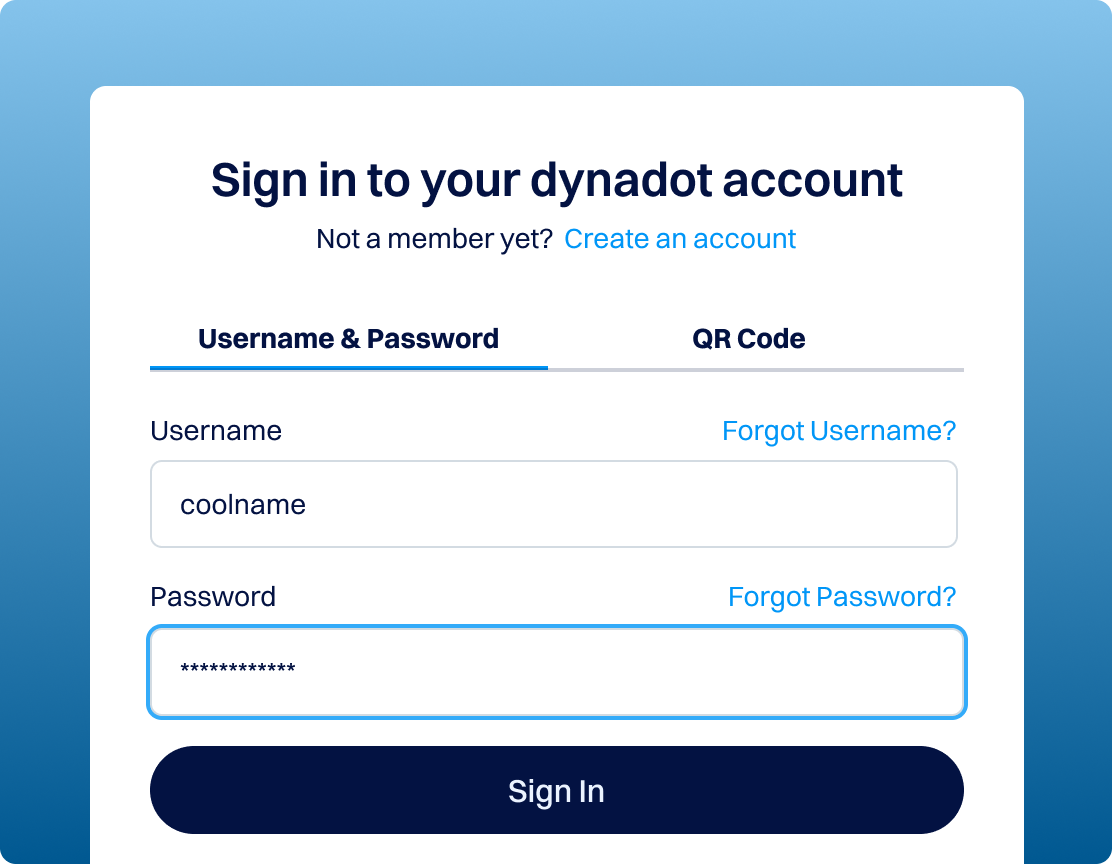
How to Connect Dynadot MCP to ChatGPT
The following example uses ChatGPT as the MCP client.
Please note that ChatGPT MCP/custom connector availability may depend on your ChatGPT plan, workspace settings, region, and OpenAI's current product rollout. In general, a paid ChatGPT plan such as Plus or above is required.
Notes
Dynadot MCP requires authentication before use. Make sure your Dynadot API key has been created and MCP has been enabled before you try to connect from ChatGPT or another MCP-compatible AI platform.
If the connection doesn't work right away after enabling MCP, wait a few more minutes and try again — API initialization can take around 5 – 10 minutes.
Most billable actions performed through MCP use your Dynadot account balance. Please make sure your account has enough balance before you begin.
FAQ
What is Dynadot MCP?
Instead of logging in and clicking through settings, you can just describe what you want to do, and your AI assistant helps carry it out with approved Dynadot tools.
What is an MCP server?
An MCP server is the secure bridge that lets an AI assistant talk to an outside service. It tells the AI which actions are available and handles the requests on your behalf. The Dynadot MCP server exposes a set of approved domain management tools, so a connected AI platform can help you search, register, renew, and manage domains, while your Dynadot account stays protected behind sign-in and confirmation steps.
What is the Model Context Protocol?
The Model Context Protocol (MCP) is an open standard that allows AI applications to securely connect with external platforms, tools, and data sources.
Think of it as a shared language between an AI assistant and the services you use: it lets the AI understand which actions are available, gather the information it needs, and act on those services for you. By supporting MCP, Dynadot makes its domain services available inside the growing ecosystem of AI tools.
What can I do with Dynadot MCP?
- Check whether a domain name is available
- Register and renew a domain
- Compare registration, renewal, and transfer pricing across extensions
- Generate and review alternative domain name suggestions)
- View your domains and account information
- Review nameservers and DNS records
- Update selected domain settings, forwarding, privacy, and renewal preferences
- Explore Dynadot aftermarket listings and expired-domain opportunities
Availability may vary by action, account status, domain extension, and the capabilities of the AI platform you connect.
Is Dynadot MCP secure?
Yes. Dynadot MCP requires authenticated account access, so an AI assistant can't reach your account without you signing in first. Supported AI platforms may also ask for your confirmation before completing sensitive or billable actions, and you remain responsible for reviewing domain names, pricing, settings, and transaction details before approving anything. In short, MCP makes domain management more convenient while keeping the important decisions in your hands.
Do I need coding experience to use Dynadot MCP?
No. Dynadot MCP is designed for natural-language use, so you don't need to write code or learn technical commands. If you can create an API key and enable MCP on your account settings page, you can connect a supported AI assistant and start managing domains through conversation. (Developers who prefer to build larger, automated integrations can still use Dynadot's traditional APIs.)
Is Dynadot MCP a free tool?
Enabling and connecting Dynadot MCP is free and there's no separate charge to turn it on. However, actions that normally cost money, such as registering or renewing a domain, still use your Dynadot account balance at standard pricing. Make sure your account has enough balance before completing any billable action through MCP.
Can I use the Dynadot API without using MCP?
Yes. Dynadot's traditional API works completely on its own, you don't need MCP to use it. The API remains the best choice for developers building large-scale integrations and automated systems, and it stays fully available whether or not you enable MCP.
Think of MCP as an additional, AI-friendly way to reach Dynadot's domain services, not a replacement for the API or the control panel. You're free to use the API directly, use MCP, or use both.
Is there a full list of API calls available through MCP?
I’d say almost—probably around 85–90%. Almost all API commands are available through MCP but some newly released endpoints may not be added to MCP.
Here is the full list of the tools you can use: https://mcp.dynadot.com/mcp/tools.
All of these tools are available through Dynadot's user-friendly control panel, designed to support both small and large domain portfolios.